[LeapMotion + UniRx] Moving a Camera with Hand Gestures
This article is a translated version of my original post on Qiita. Original (Japanese): https://qiita.com/segur/items/13d22727c913f8159990
Introduction
I wanted to find a way to move the Main Camera in Unity when the only available input device was a Leap Motion (no mouse or keyboard).
Demo
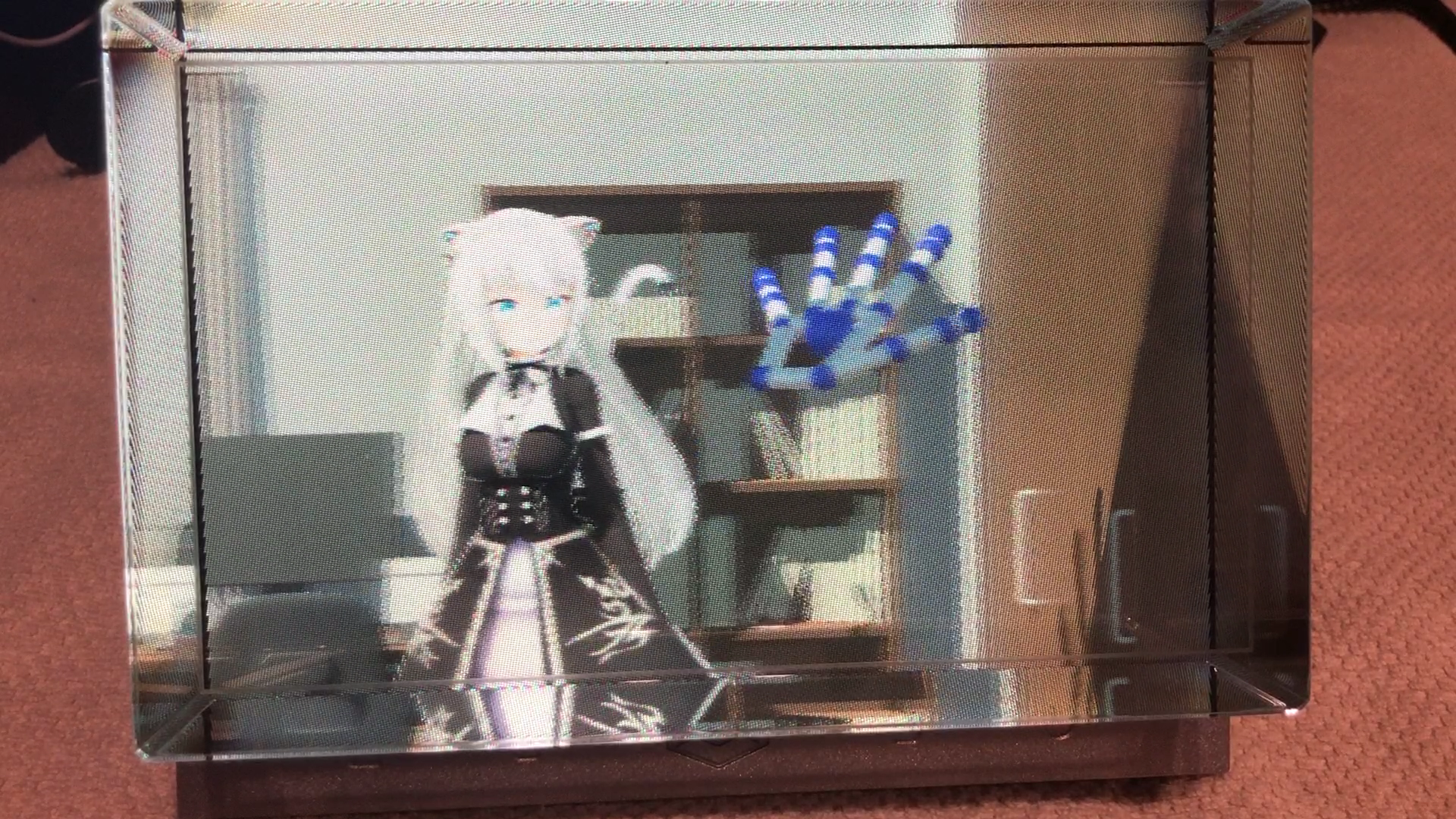
Here's what I built. (The display shown is a Looking Glass, but that's not the focus of this article.)
#LookingGlass 用のアプリを作成中。 #LeapMotion で取得した手の動きで、Unity内のカメラを動かしてみました。手をグーの形にしている間はカメラを動かせます。グーの形じゃなくなったら終了します。マウスドラッグみたいな感覚で使えるの便利です。更に、前後にも動かせます! pic.twitter.com/fE8lM754vW
— せぎゅ (@segur_vita) 2019年3月21日
When your hand is in a fist shape, the camera moves with your hand. When you open your hand, it stops. It feels like 3D mouse dragging — you can also move forward and backward.
Sample Code
Here's the code. Attach this script to a camera object and it should work. It uses UniRx.
using Leap;
using System.Collections.Generic;
using System.Linq;
using UniRx;
using UniRx.Triggers;
using UnityEngine;

/// <summary>
/// Camera controller
/// </summary>
public class CameraController : MonoBehaviour
{
    /** Camera movement speed */
    private float speed = 0.025f;

    /** Leap Motion controller */
    private Controller controller;

    /** Entry point */
    void Start()
    {
        // Leap Motion controller
        controller = new Controller();

        // Get hand data from Leap Motion every frame
        var handsStream = this.UpdateAsObservable()
            .Select(_ => controller.Frame().Hands);

        // Stream that fires when the fist gesture ends
        var endRockGripStream = handsStream
            .Where(hands => !IsRockGrip(hands));

        // Camera control
        handsStream
            // Only when making a fist
            .Where(hands => IsRockGrip(hands))
            // Get palm position
            .Select(hands => ToVector3(hands[0].PalmPosition))
            // Buffer current and previous values (2 values with step 1)
            .Buffer(2, 1)
            // Calculate movement vector from the difference
            .Select(positions => positions[1] - positions[0])
            // Log the movement
            .Do(movement => Debug.Log("Movement: " + movement))
            // Clear the buffer when the fist gesture ends
            .TakeUntil(endRockGripStream).RepeatUntilDestroy(this)
            // Move the camera
            .Subscribe(movement => transform.Translate(-speed * movement));
    }

    /** Check if hand is making a fist */
    bool IsRockGrip(List<Hand> hands)
    {
        return
            // One hand detected
            hands.Count == 1 &&
            // All fingers are closed (none extended)
            hands[0].Fingers.ToArray().Count(x => x.IsExtended) == 0;
    }

    /** Convert Leap Vector to Unity Vector3 */
    Vector3 ToVector3(Vector v)
    {
        return new Vector3(v.x, v.y, -v.z);
    }
}
About UpdateAsObservable
This converts Unity's Update() into a reactive stream.
This article explains it in detail: UniRx Introduction Part 4 — Converting Update to a Stream
About IsRockGrip
This method detects whether the hand is in a fist shape.
First, hands.Count checks that Leap Motion detects exactly one hand. Then, hands[0].Fingers.ToArray().Count(x => x.IsExtended) counts how many fingers are extended. If the count is 0, we treat it as a fist.
This technique was inspired by: Rock-Paper-Scissors Recognition with Leap Motion + Unity
About ToVector3
- Leap Motion uses a right-handed coordinate system
- Unity uses a left-handed coordinate system
To compensate for this difference, we flip the sign of the z-coordinate.
About TakeUntil
TakeUntil is used to discard the buffer when the fist gesture ends.
Without this, the last palm position before the fist ended would remain in the buffer. The next time you make a fist, the camera would jump suddenly due to the stale buffered value.
This technique was referenced from: UniRx: Building Pinch In/Out Quickly
Closing
With two hands, you could probably implement pinch-to-zoom as well. I'd like to try that next!
Updated April 22, 2019 I wrote a follow-up article covering two-hand control: LeapMotion + UniRx: Moving a Camera with Hand Gestures — Two-Hand Edition