Created an Editor Extension to Detect Forgotten Platform Switching in Unity!
This article is a translated version of my original post on Qiita. Original (Japanese): https://qiita.com/segur/items/41626d094d9bf5839a23
Created an Editor Extension to Detect Forgotten Platform Switching in Unity!
Fed up with forgetting to switch to visionOS and then encountering issues when deploying to the device? I developed a tool that monitors the active platform and outputs an error if it's not set to visionOS!
Additionally, this tool supports platforms other than visionOS!
It's available on OpenUPM, so anyone can use it!
Platform Watcher
https://openupm.com/packages/com.segur.platform-watcher/
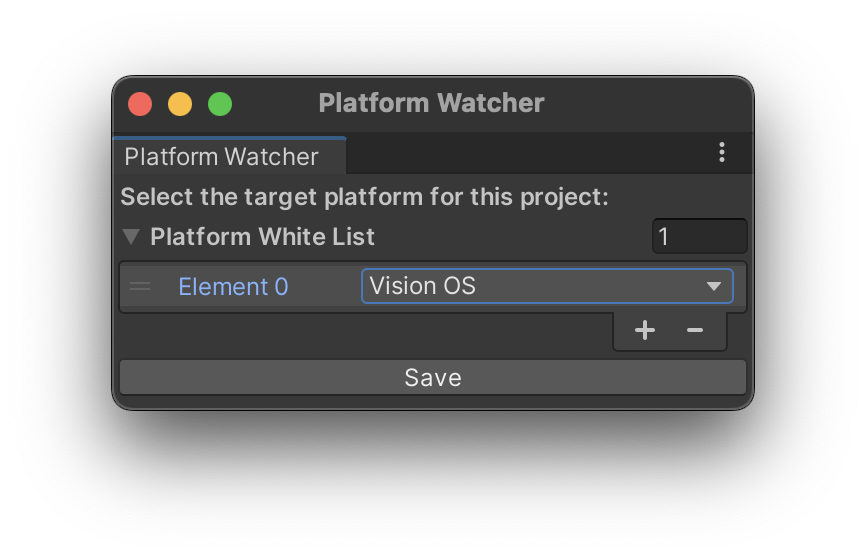
What is this tool?
This tool displays an error if the Unity platform is not set to the specified one.
For instance, when developing a WebGL application with a team, have you ever experienced a scenario where a teammate forgot to switch the platform to WebGL, resulting in mysterious build errors and significant time wasted troubleshooting?
With this tool, you'll be notified with an error if you forget to switch the platform, allowing you to quickly address the issue!
Give it a try!
System Requirements
Unity 2019.4 or higher
Installation Instructions
If Installing with Node.js
If Node.js is already installed on your PC, you can install the package with the following command:
# Install openupm-cli
npm install -g openupm-cli

# Navigate to your Unity project directory
cd YOUR_UNITY_PROJECT_DIR

# Install Platform Watcher
openupm add com.segur.platform-watcher
If Installing with Package Manager
To install using Unity's standard Package Manager, you'll need to register a Scoped Registry.
Detailed instructions can be found at the link below:
https://zenn.dev/shiena/articles/unity-openupm
Once the Scoped Registry is registered, install the package named com.segur.platform-watcher from the Package Manager.
How to Use
Opening Platform Watcher
Navigate to Tools > Platform Watcher to open it.

You’ll see a window like this:
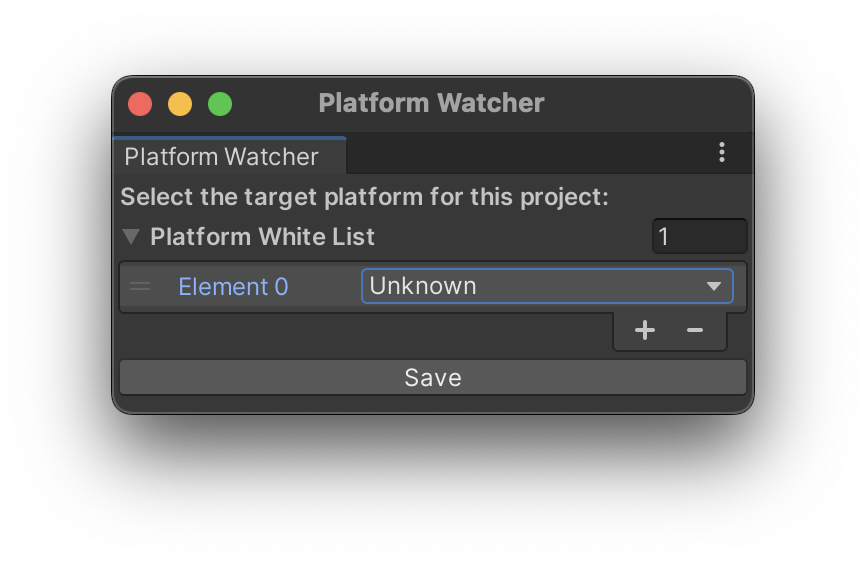
Selecting Your Preferred Platform
Click the area labeled Unknown and select your desired platform.
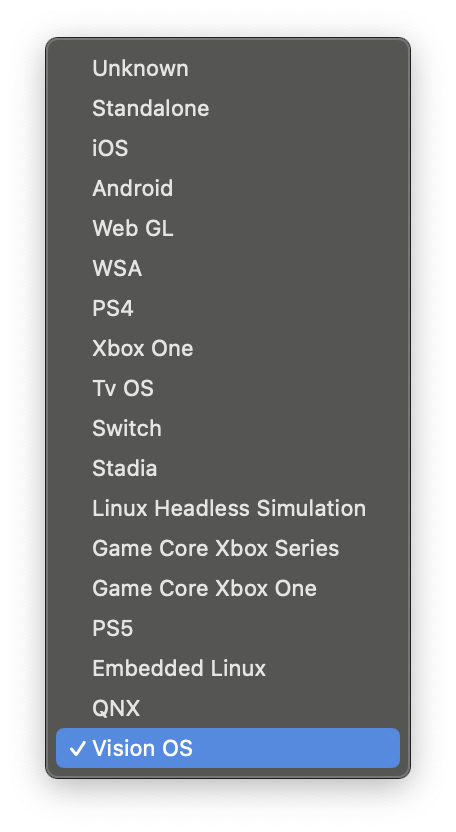
For example, if you select Vision OS, it will look like this:
Monitoring Platform Accuracy
- If the active platform is
Vision OS, no error message will be displayed. - If the active platform is not
Vision OS, an error message will appear.
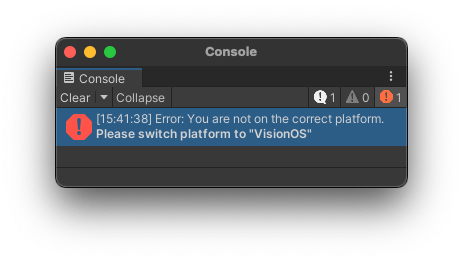
Multi-Platform Support
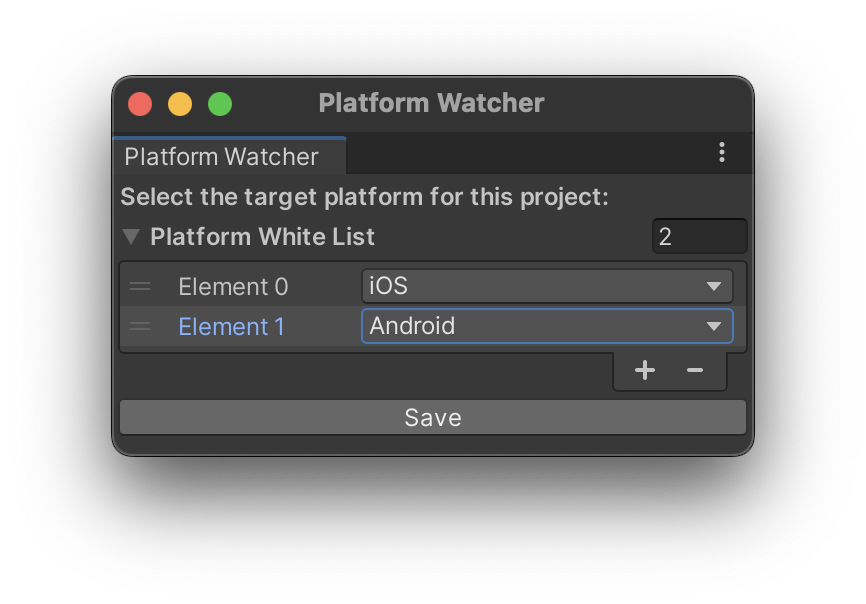
You can select multiple platforms.
For instance, if you select both iOS and Android simultaneously, it will look like this:
Configuration File
Information on the selected platform is saved in the PlatformWatcherSetting.json file within the ProjectSettings folder.

By sharing this configuration file via Git or other means, settings can be shared even when multiple people are working on a Unity project!
In Conclusion
In developing this tool, I referred to the following pages. Thank you for the valuable information!
- https://bta25fun.wixsite.com/modev/post/2019/12/19/エディタ拡張で配列変数の入力欄を出すには
- https://zenn.dev/shiena/articles/unity-openupm