[LeapMotion + UniRx] Moving a Camera with Hand Gestures: Two-Hand Edition
This article is a translated version of my original post on Qiita. Original (Japanese): https://qiita.com/segur/items/4d9947db66d70def9762
Introduction
In the previous article, I implemented translating the Main Camera using one-hand Leap Motion input when no mouse or keyboard is available.
This time, I'm adding rotation and zoom control as well.
Demo
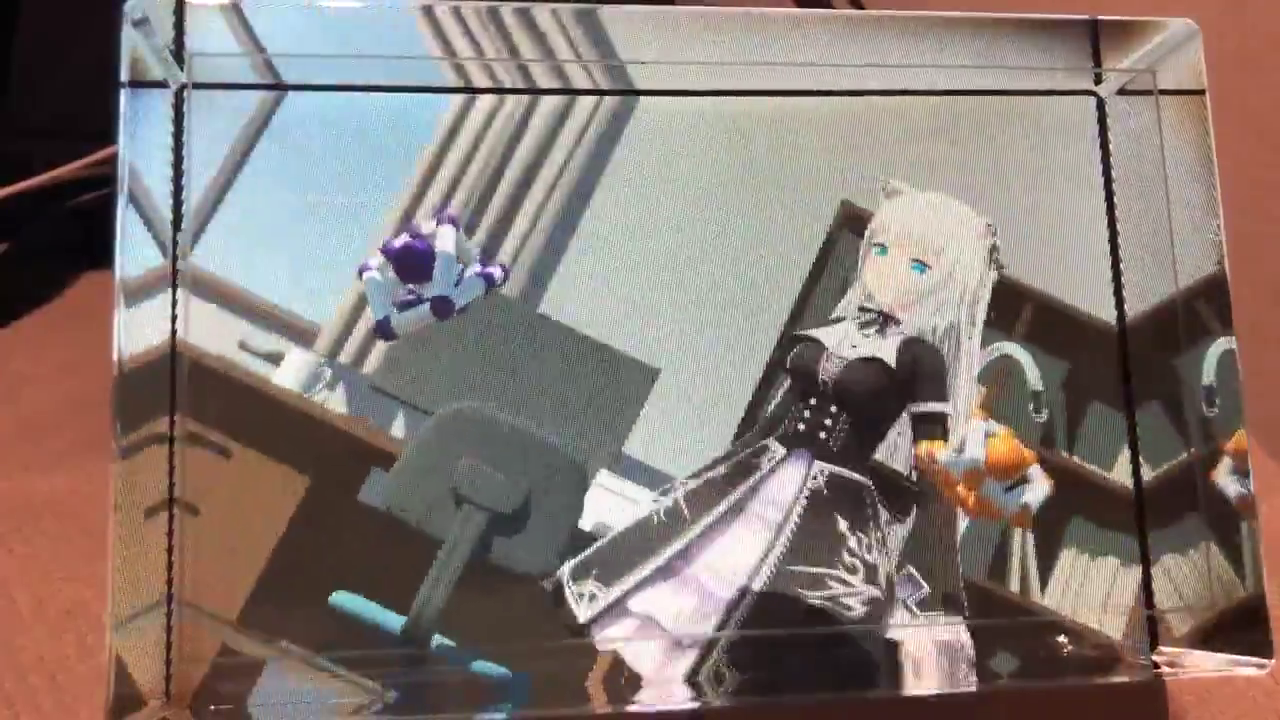
Here's what I built. I exhibited it at Looking Glass Meetup (Rukimito).
両手グーでズーム・回転等をできるようにしました。地図アプリのピンチアウトとかの操作の3D版という感じでしょうか。ちょっと癖はあるけど、慣れると便利!デバッグでマウス触らなくてよくなるのが地味に嬉しい。#LeapMotion #LookingGlass pic.twitter.com/NhizrDS7Tj
— せぎゅ (@segur_vita) March 24, 2019
When both hands are in a fist, the camera responds to hand movement with three operations:
- Scale (zoom in/out)
- Rotation
- Translation (pan)
Sample Code
Here is the full code. It is intended to be attached to the Main Camera.
using Leap;
using System.Collections.Generic;
using System.Linq;
using UniRx;
using UniRx.Triggers;
using UnityEngine;

/// <summary>
/// Camera controller
/// </summary>
public class CameraController : MonoBehaviour
{
    /** Camera movement speed */
    private float speed = 0.025f;

    /** Leap Motion controller */
    private Controller controller;

    /** Entry point */
    void Start()
    {
        // Leap Motion controller
        controller = new Controller();

        // Get hand data from Leap Motion every frame
        var handsStream = this.UpdateAsObservable()
            .Select(_ => controller.Frame().Hands);

        // Stream that fires when both-fist gesture starts
        var beginDoubleRockGripStream = handsStream
            .Where(hands => IsDoubleRockGrip(hands));

        // Stream that fires when both-fist gesture ends
        var endDoubleRockGripStream = handsStream
            .Where(hands => !IsDoubleRockGrip(hands));

        // Camera zoom (scale)
        beginDoubleRockGripStream
            .Select(hands => hands[0].PalmPosition.DistanceTo(hands[1].PalmPosition))
            .Where(distance => distance > 0.0f)
            .Buffer(2, 1)
            .Select(distances => distances[1] / distances[0])
            .TakeUntil(endDoubleRockGripStream).RepeatUntilDestroy(this)
            .Where(distanceRate => distanceRate > 0.0f)
            .Subscribe(distanceRate => transform.localScale /= distanceRate);

        // Camera rotation
        beginDoubleRockGripStream
            .Select(hands => ToVector3(hands[1].PalmPosition - hands[0].PalmPosition))
            .Where(diff => diff.magnitude > 0.0f)
            .Buffer(2, 1)
            .Select(diffs => Quaternion.AngleAxis(Vector3.Angle(diffs[0], diffs[1]), Vector3.Cross(diffs[1], diffs[0])))
            .TakeUntil(endDoubleRockGripStream).RepeatUntilDestroy(this)
            .Subscribe(quaternion => transform.rotation *= quaternion);

        // Camera translation
        beginDoubleRockGripStream
            .Select(hands => ToVector3((hands[0].PalmPosition + hands[1].PalmPosition) * 0.5f))
            .Buffer(2, 1)
            .Select(positions => positions[1] - positions[0])
            .TakeUntil(endDoubleRockGripStream).RepeatUntilDestroy(this)
            .Subscribe(movement => transform.Translate(-speed * movement));
    }

    /** Check if both hands are making a fist */
    public bool IsDoubleRockGrip(List<Hand> hands)
    {
        return
            hands.Count == 2 &&
            hands[0].Fingers.ToArray().Count(x => x.IsExtended) == 0 &&
            hands[1].Fingers.ToArray().Count(x => x.IsExtended) == 0;
    }

    /** Convert Leap Vector to Unity Vector3 */
    Vector3 ToVector3(Vector v)
    {
        return new Vector3(v.x, v.y, -v.z);
    }
}
Detecting Both-Fist Gesture
IsDoubleRockGrip handles the detection. In the previous article we detected one fist; here we detect two.
/** Check if both hands are making a fist */
public bool IsDoubleRockGrip(List<Hand> hands)
{
    return
        // Two hands detected
        hands.Count == 2 &&
        // First hand: no fingers extended
        hands[0].Fingers.ToArray().Count(x => x.IsExtended) == 0 &&
        // Second hand: no fingers extended
        hands[1].Fingers.ToArray().Count(x => x.IsExtended) == 0;
}
hands.Count verifies that Leap Motion detects exactly two hands, and Count(x => x.IsExtended) == 0 checks that all fingers on each hand are closed.
Camera Zoom
The zoom behavior is: - Move hands apart → zoom in - Move hands together → zoom out
Here's the relevant code with comments:
// Camera zoom (scale)
beginDoubleRockGripStream
    // Calculate distance between both palms
    .Select(hands => hands[0].PalmPosition.DistanceTo(hands[1].PalmPosition))
    // Only if distance is positive (avoid division by zero)
    .Where(distance => distance > 0.0f)
    // Buffer current and previous values
    .Buffer(2, 1)
    // Calculate ratio of change in distance
    .Select(distances => distances[1] / distances[0])
    // Clear buffer when both-fist gesture ends
    .TakeUntil(endDoubleRockGripStream).RepeatUntilDestroy(this)
    // Only if ratio is positive (avoid division by zero)
    .Where(distanceRate => distanceRate > 0.0f)
    // Scale the camera
    .Subscribe(distanceRate => transform.localScale /= distanceRate);
hands[0].PalmPosition.DistanceTo(hands[1].PalmPosition) computes the distance between the two palms. The ratio of change in distance controls the camera's scale.
Camera Rotation
It's difficult to describe in words, but: make both hands into fists and move them like turning a steering wheel — the camera rotates in that direction.
// Camera rotation
beginDoubleRockGripStream
    // Compute the difference vector between both palms
    .Select(hands => ToVector3(hands[1].PalmPosition - hands[0].PalmPosition))
    // Only if magnitude is positive (avoid issues with zero-length vectors)
    .Where(diff => diff.magnitude > 0.0f)
    // Buffer current and previous values
    .Buffer(2, 1)
    // Compute the rotational change (quaternion) from dot and cross products
    .Select(diffs => Quaternion.AngleAxis(Vector3.Angle(diffs[0], diffs[1]), Vector3.Cross(diffs[1], diffs[0])))
    // Clear buffer when both-fist gesture ends
    .TakeUntil(endDoubleRockGripStream).RepeatUntilDestroy(this)
    // Rotate the camera
    .Subscribe(quaternion => transform.rotation *= quaternion);
The steps are:
hands[1].PalmPosition - hands[0].PalmPositioncomputes the vector difference between the two palms.- This vector is buffered across two frames.
- The dot product and cross product between the previous and current vectors are used to compute the angular change as a quaternion.
- That quaternion is multiplied into the camera's
rotation.
Camera Translation
I use the midpoint of both palms to drive translation. This means:
- Moving both fists in the same direction → the camera pans in that direction
- Moving hands in opposite directions → no translation (only zoom)
// Camera translation
beginDoubleRockGripStream
    // Compute the midpoint of both palms
    .Select(hands => ToVector3((hands[0].PalmPosition + hands[1].PalmPosition) * 0.5f))
    // Buffer current and previous values
    .Buffer(2, 1)
    // Calculate the midpoint movement vector
    .Select(positions => positions[1] - positions[0])
    // Clear buffer when both-fist gesture ends
    .TakeUntil(endDoubleRockGripStream).RepeatUntilDestroy(this)
    // Move the camera
    .Subscribe(movement => transform.Translate(-speed * movement));
(hands[0].PalmPosition + hands[1].PalmPosition) * 0.5f computes the midpoint of both palms.
Closing
When I demoed this UI to people unfamiliar with Leap Motion one-on-one, they needed some explanation. But at the Looking Glass Meetup, almost everyone understood the controls instantly — which was really impressive!